• Feeling isolated? You're not alone.

    Join 20,000+ people who understand exactly how your day went. Whether you're newly diagnosed, self-identified, or supporting someone you love – this is a space where you don't have to explain yourself.

    Join the Conversation → It's free, anonymous, and supportive.

    As a member, you'll get:

    • A community that actually gets it – no judgment, no explanations needed
    • Private forums for sensitive topics (hidden from search engines)
    • Real-time chat with others who share your experiences
    • Your own blog to document your journey

    You've found your people. Create your free account

Post an Image of your Desktop!

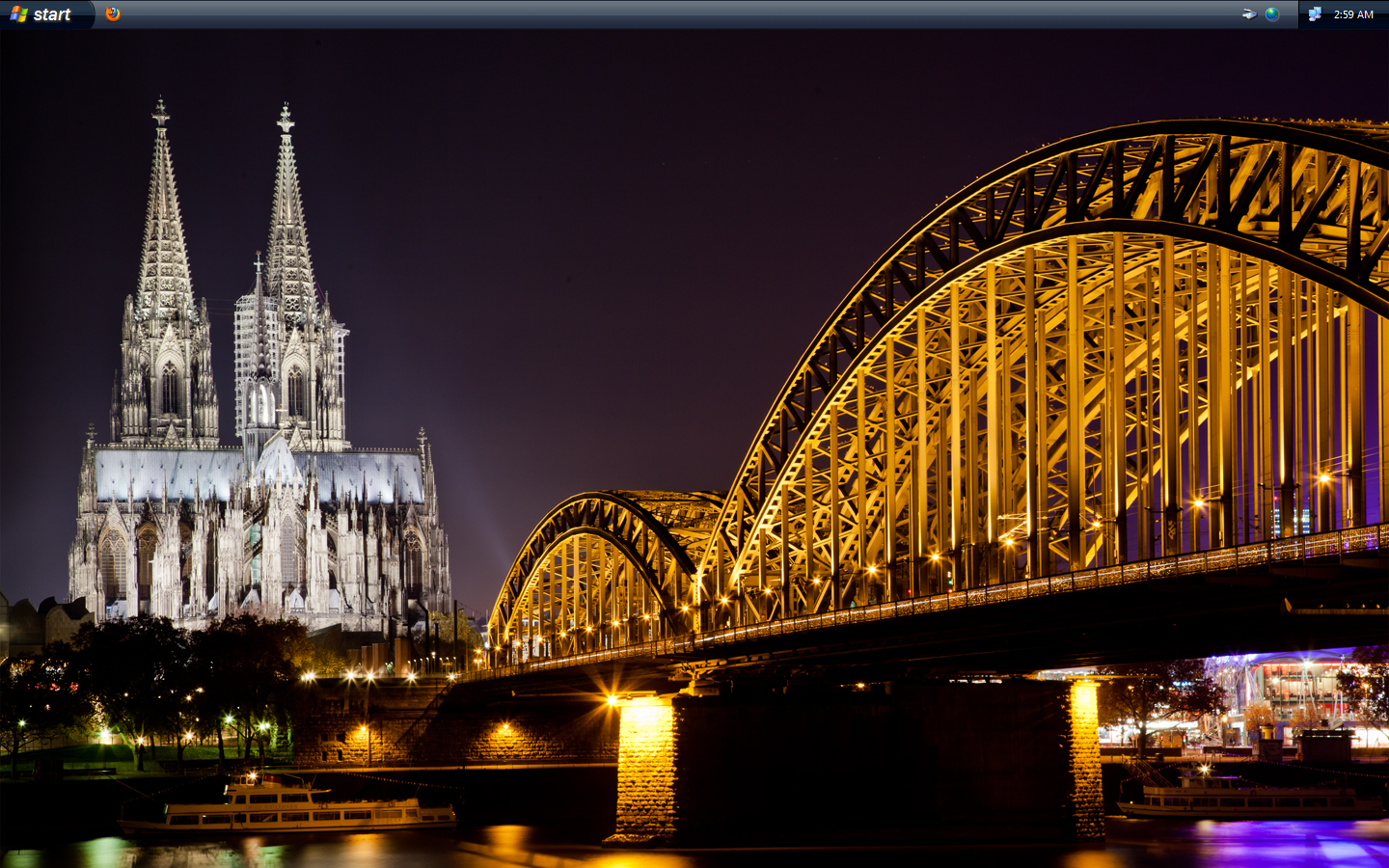
Full_Screen_8_.png
 
Aillas, your desktops always seem to be interesting.

Thanks.

Lately I've been using InterfaceLIFT which is a great site for wallpapers (well, if you like nature-related wallpapers). A neat thing about the site is how it automatically detects the resolution of your monitor, so you don't even have to manually resize wallpapers yourself.
 
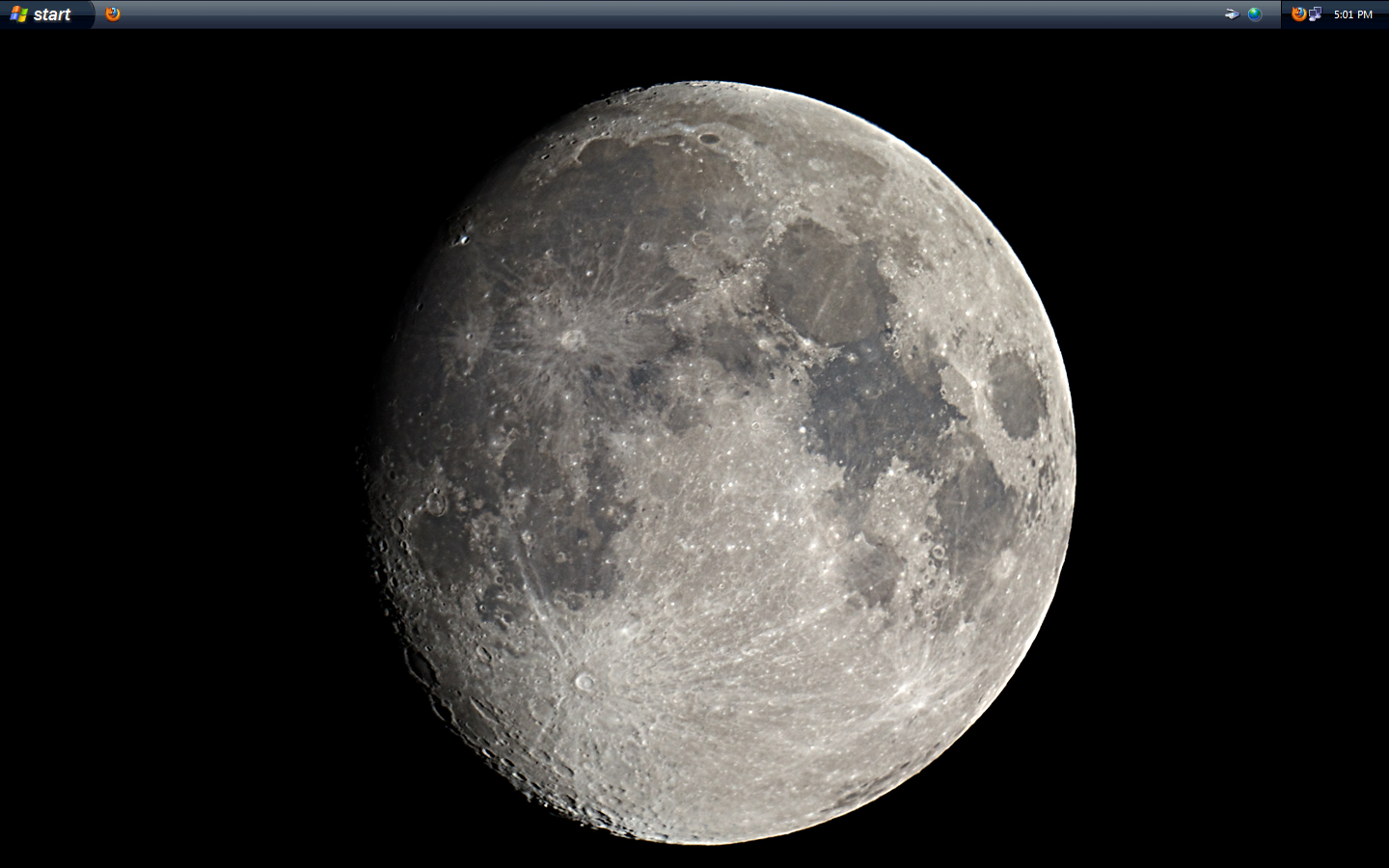
View attachment 1819
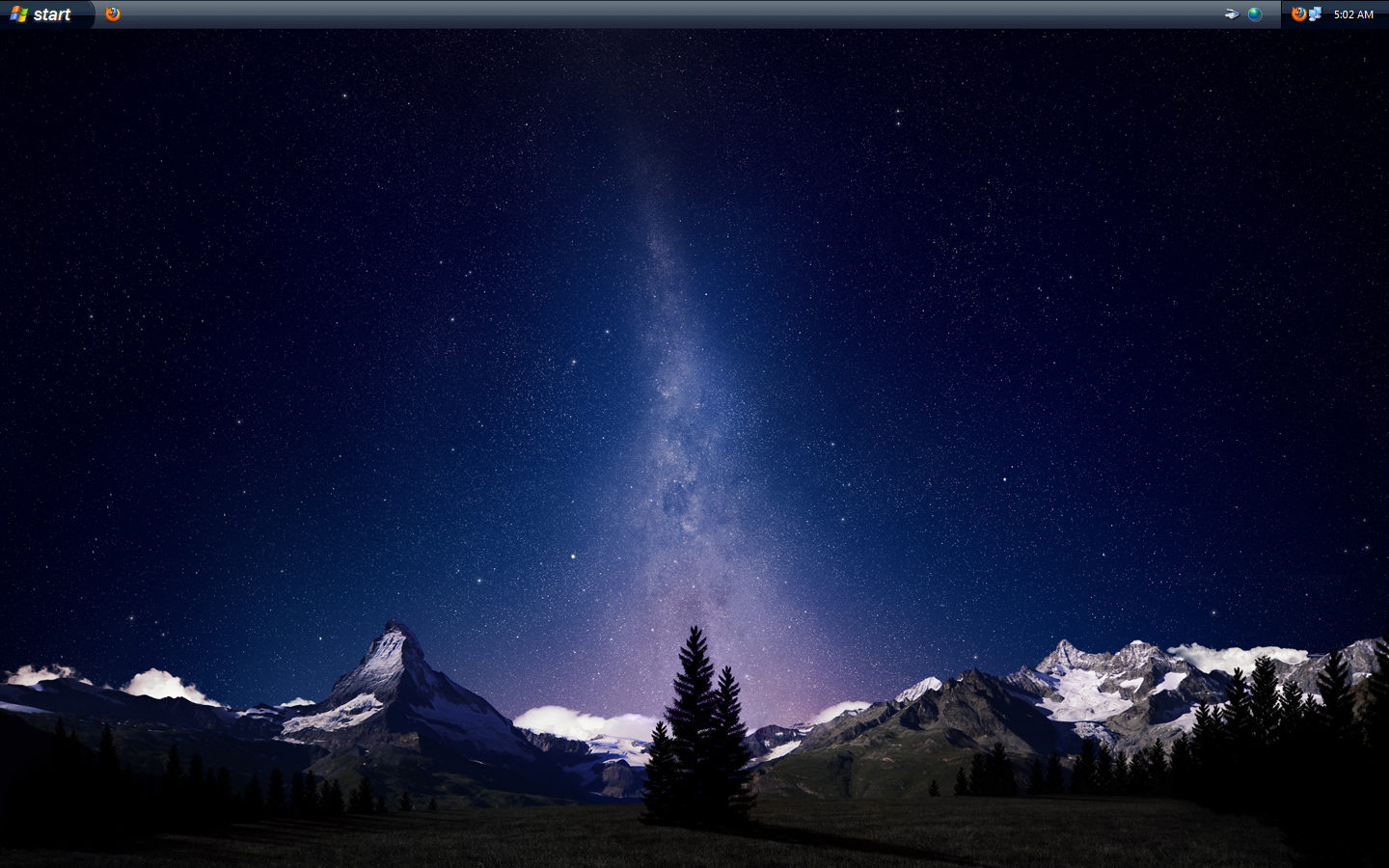
After a power blip, W7 wouldn't reboot, so I got around to putting Ubuntu back on instead. 11.10 doesn't come with the nice Astronomy wallpapers they had last time but I'm sure I can get some!
 
Full%20Screen%20(4).png


how can you get a picture of your desktop?

Press the Print Screen (Prt Scr) key on your keyboard; this will copy a screen-shot to your clipboard. Then you can paste the screen-shot in an image-editing app such as MS Paint, Photoshop (if you own it), etc. by pressing Ctrl & V. Once you've done that, save the image. Lastly, upload the photo to a hosting site such as PhotoBucket, ImageShack, DropBox, etc. and embed it here by sticking a direct link to the image in between the IMG BBcode tags.
 
Top Bottom